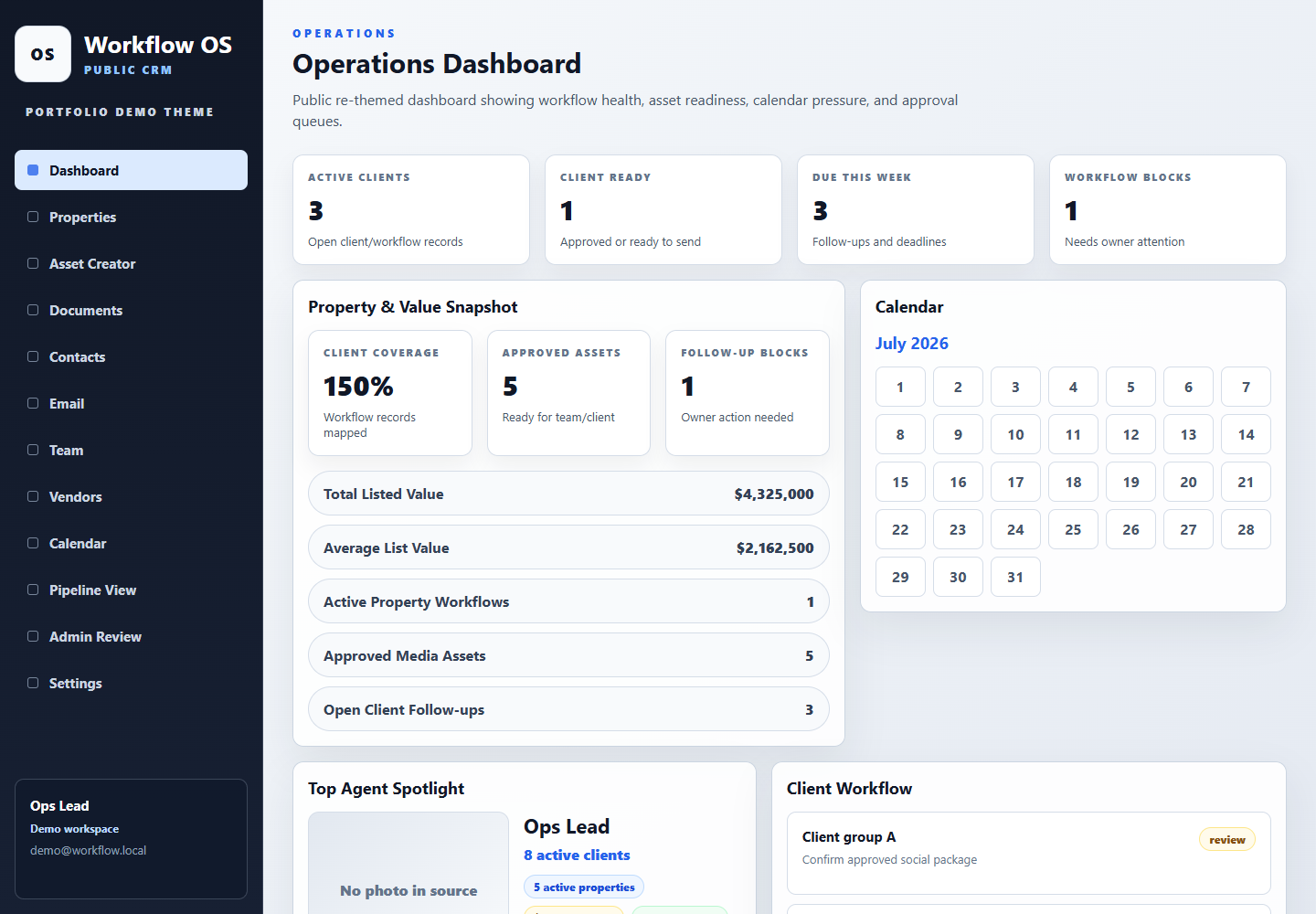
The latest 44 Studios CRM build reinforced a simple idea: the home screen should answer “what needs attention today?” before it asks anyone to interpret a chart. Open pipeline value, weighted value, overdue follow-ups, and the studio pulse matter because each one leads to a clear owner action.
The useful detail lives one level below the summary. A pipeline card should carry its stage and next step. An email should retain the contact and deal around it. A Dispatch issue should show whether it is being drafted, reviewed, or scheduled. A social release should expose its content, channels, approval state, and publishing result.
Automation makes those views more useful when it carries context between them. An intake can create a contact and opportunity; a stage change can prepare a follow-up task and Gmail draft; an approved campaign can move toward delivery. The dashboard stays readable because the detailed work remains in the connected module rather than being copied into one crowded screen.
The public examples use representative company and campaign information so the workflow can be explored without exposing client records. The structure, decisions, and handoffs are the point: a clear view of how the product is intended to work for an owner or team.
- Summaries should point to an owner, deadline, and next action.
- Detailed work belongs in focused views for pipeline, email, dispatch, and social.
- Automation should move context forward without removing meaningful review.